THE BAD NEWS
We will no longer sold Fairy Cut software
THE GOOD NEWS
-
We manage to get an special offer from Funtime Scrapbooking:
25% rebate coupon, to all Fairy Cut customers, for purchasing
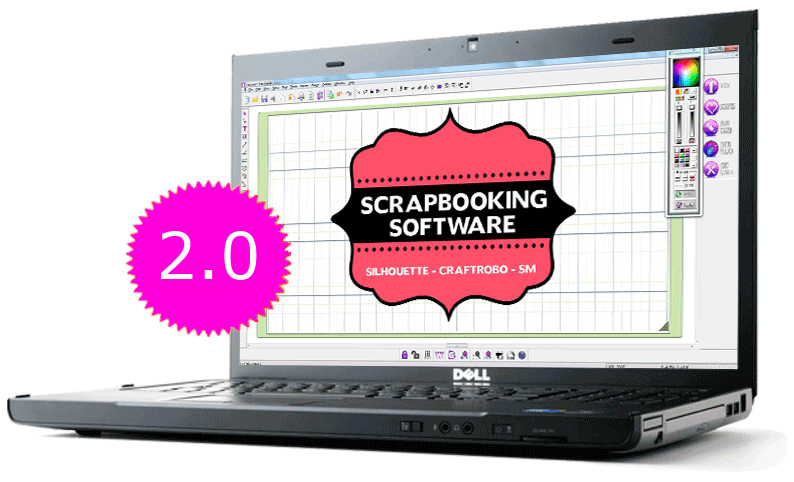
Funtime Scrapbooking PRO 2014
Coupon code: FRC2856TY
- We will continue to support all customers who put her trust in FairyCut and have purchase an license
- For all questions/comments please send us an email to fairycut@fairycut.com
|
 |