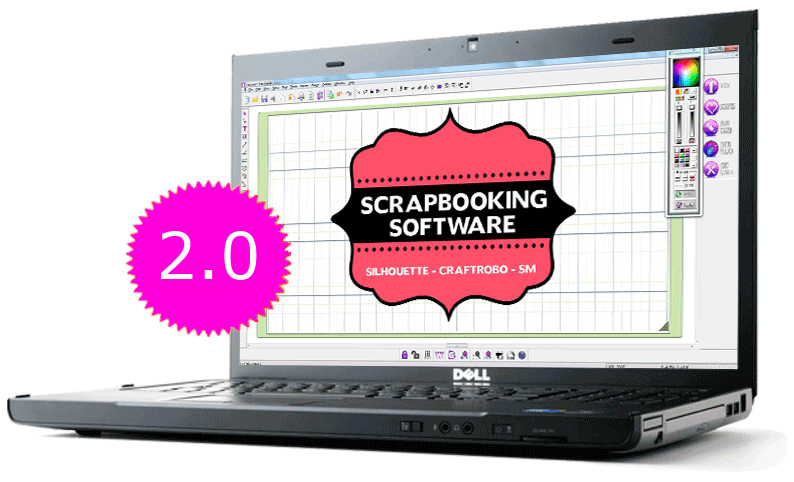
Software Fairy Cut 2.0 - Features description
|
 |
Texts
Lets you create letters, words and phrases in variety of sizes. This software lets you use your Windows&tread fonts and any fonts downloaded from the web.
|
 |
Shapes
Includes shapes that you can change and resize. Shapes are classified by subjects and with our
new navigation system it is easy to browse, create a new category and organize your own shapes.
|
|
 |
Scrapbooking cutters
Cut out (shapes & texts) with intricate details that your current house-hold scissor could never achieve.
Works with the following cutters: Silhouette, CraftRobo, CraftRobo Pro, SM(Signmax)
|
 |
Rhinestones
This feature is an amazing tool that lets you realize beautiful rhinestones designs with real stone images,
in the size that you wish. Includes easy-to-use functions that will automatically fill shapes, texts, phrases with
stones or distribute stones on a path.
|
|
 |
Special Effects
Includes amazing special effects for customizing your texts and shapes.
You will be able to merge, applied scissor effect, outline effect and textures effects.
|
 |
Convert a image to cutting file
Allow you to automatically convert an image to a resizable shapes, that you will be able to use in
your scrapbooking designs. This tool is a must have if you want to convert images from the internet.
|
|
 |
Free Hand
This feature lets you DRAW your own shapes in the same way you will draw them with a pen.
With this marvelous tool you can draw anything your heart desires.
|
 |
Welding
This feature has been improved. It lets you merge shapes, text and phrases as you see it on your computer
screen.
|
|
 |
Color Scheme
This fantastic feature lets you create a harmonized color palette matching the color of the picture you want to insert in
any scrapbooking template.
|
 |
Distribute object to path
This feature allows you to distribute shapes, text and phrases on any path. It includes a tool that duplicates
the object on a path and allows you to set the size and spacing between every object by a simple click of
your mouse.
|